Justin Bondoc · Product Manager · Ontario, California

Product manager who
discovers
,
designs
, and
delivers
.

10+ years in B2B SaaS. I run discovery, design solutions, and work with engineers to launch products.

Product Manager. Designer. Leader.

Builder-style PM who
ships

Justin Bondoc

I'm Justin, a full-stack product manager based in Ontario, California (not Canada). I started as a Sales Engineer, fell in love with improving UX, and moved into product. I've worn multiple hats: design, product, marketing, and sales.

I plan and prioritize work, design interfaces, record product videos, and write code to ship. That range lets me move fast and speak the language of every team in the room.

I'm restless to learn, whether it's using AI to prototype, picking up a new framework, or finding a new way to solve an old problem. Outside of work I enjoy running 🏃, reading 📘, and rock climbing.

What others say

References
and testimonials

Words from people I've worked with

“Justin strives for a deep understanding of the users and the products. He is constantly learning about the market and new products and technology that could benefit the roadmap. All that combined with his drive to consistently deliver great projects made him an incredible part of the team, and I give him my highest recommendation.”

Victor Hsu
Victor HsuCEO

CEO at Axure

I was Justin's manager during his nearly 8 years at Axure.

LinkedIn

Click to read full quote

“Justin was a key member of my team and someone I trusted in some of our highest stakes customer engagements.”
Joel Carrillo
Joel Carrillo

formerly Head of Enterprise Accounts at Axure

LinkedIn

Click to read full quote

“Justin’s ability to thrive across sales, design, engineering, and product strategy is rare — he’s been absolutely key to shipping multiple major projects.”
Raman Paulau
Raman Paulau

Senior Software Engineer at Axure

LinkedIn

Click to read full quote

“I’d often discuss an idea with him during an afternoon, then find that he’d built it by the next morning.”
Ben Radosevich
Ben Radosevich

Senior Software Engineer at Axure

LinkedIn

Click to read full quote

“Justin consistently delivered clear, detailed product specs that gave me what I needed to build with confidence.”
Tuomas Brock
Tuomas Brock

Software Engineer at Axure

LinkedIn

Click to read full quote

“Justin is one of the most highly self-motivated workers I’ve ever met — creative, optimistic, and relentlessly thorough.”
Jane Ryu
Jane Ryu

QA Manager at Axure

LinkedIn

Click to read full quote

“What consistently stands out about Justin is his determination and proactive mindset — he’s always looking for ways to improve how teams work together.”
Frankie Costa
Frankie Costa

Product Manager at Axure

LinkedIn

Click to read full quote

Discovery, design, and shipping

Tools I use to
discover, design, and ship

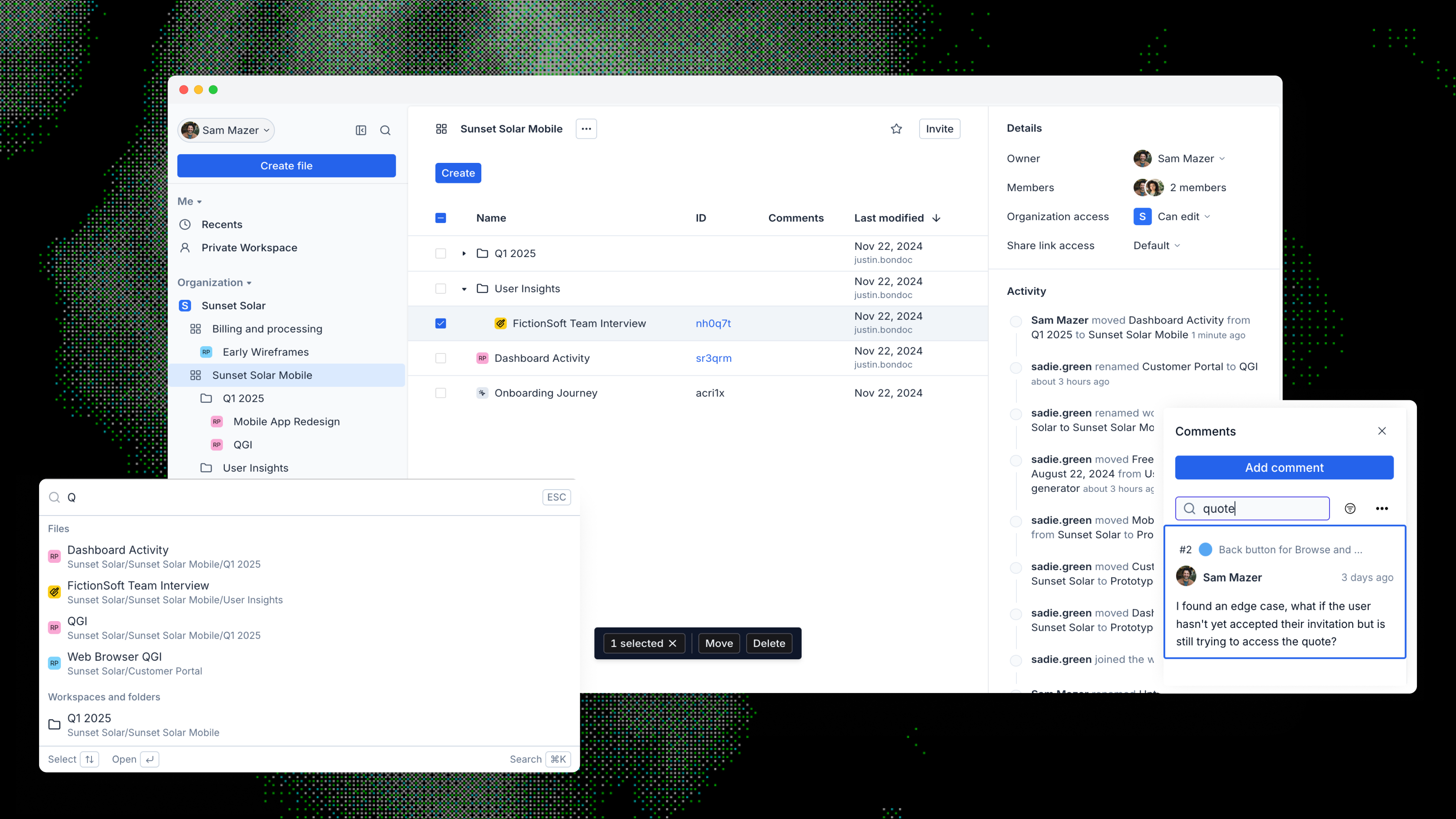
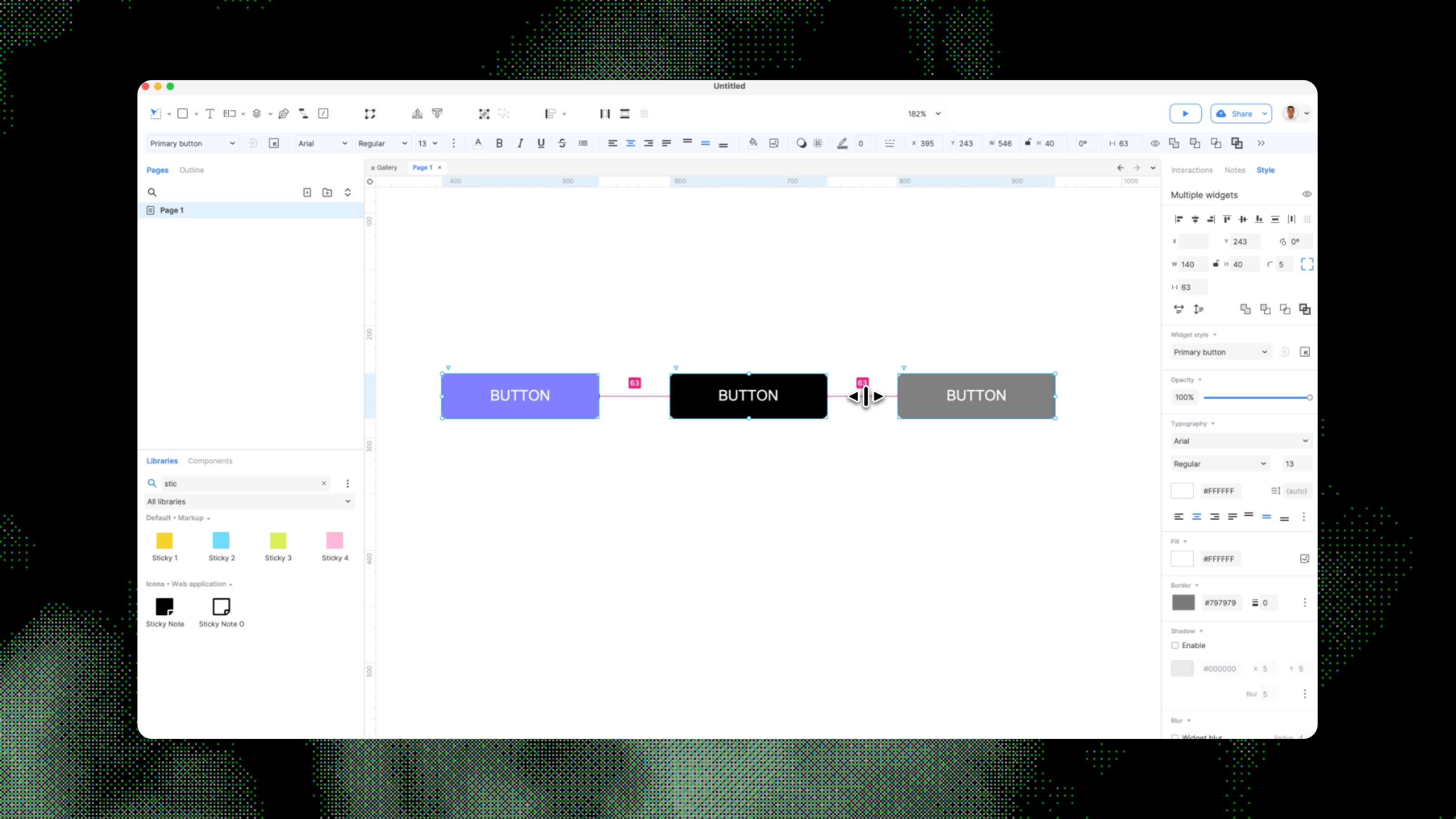
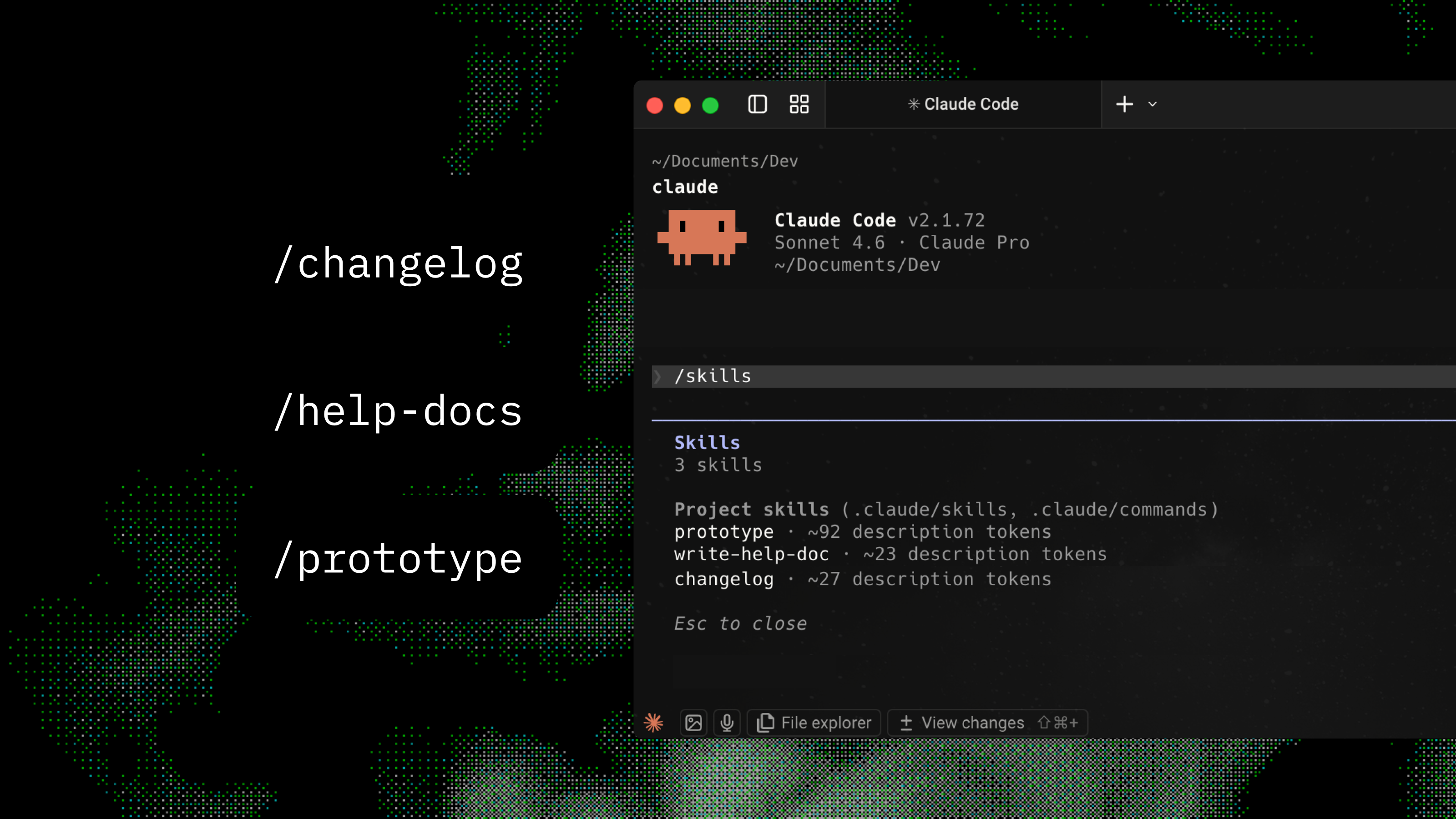
I use these for product discovery, design, analytics, and building. From Figma and PostHog to Cursor and Nuxt, they keep me close to the work and able to ship quickly.

ClaudeCodeI use it for research, code, and prototyping.Tailwind CSSI style frontend UIs with utility classes.CursorI code here daily and use it to prep for stakeholder meetings.LinearI track issues and ship in cycles here with the help-docs team.JiraI run sprints and backlogs where all software projects live.ConfluenceI keep specs, runbooks, and decisions in one place.ProductboardI use it to manage feature requests and prioritize product-level work.PostHogI measure product usage and analyze user behavior.NuxtI use it to build this site and axure.com.Screen StudioI record product demos and how-tos with smooth cursors.JitterI make short motion graphics and Loom-style intros.FrontI manage shared inboxes and keep customer comms in one place.
FigmaUsed for all design related work: design systems, UI, icons, and graphics.SketchI use it for high-fidelity mockups and icon sets on Mac.VueI build UIs and features with Vue and the ecosystem (Nuxt, Pinia).ClaudeI use it for writing, research, and reasoning on complex tasks.

Research and AI

How I research before I build
and how AI makes it faster

I keep a steady stream of product signals coming in and run a clear research loop.

Ongoing sources I watch

Front App

Reactive
Support ticketsCSM interactions

PostHog

Behavioral
Feature usage eventsUser identification
Slack Slack sends these events into one place so I can see important signals quickly
Research step
How AI helps
01

Review existing feedback

Pull together existing feedback, tickets and notes, then write down the main questions to answer.

Internal

Summarize patterns

Claude

Use Claude to summarize support tickets and CSM notes, group similar themes and draft a short problem statement in minutes instead of hours.

02

Talk with internal teammates

Meet with CSMs and other teammates to check assumptions and fill in gaps.

Internal

Prepare for conversations

Claude

Use Claude to help draft discussion guides, list likely questions and role-play answers so conversations stay focused.

03

Find customers to talk to

Work with CSMs and PostHog usage data to pick customers who match the problem area.

Sourcing

Write outreach messages

Claude

Use Claude to write short, clear outreach emails based on each customer’s actual product usage instead of a generic template.

04

Customer interviews

Run interviews to understand how customers see the problem and whether my framing makes sense.

External

Summarize interviews

Claude

Paste interview notes or transcripts into Claude to get a simple summary with key quotes, surprises and how the findings change the original idea.

05

First design ideas

Always come up with three different ways to approach the problem first, then turn the best direction into early concepts and rough flows.

Design

Set up prototypes

CursorFigma MCP

Use Figma for quick wireframes, then use Cursor and the MCP server to spin up simple prototypes from those designs or short written descriptions so I can try ideas in code quickly.

06

Internal review

Share designs with CSMs and subject matter experts to check if they fit what we are hearing.

Internal

Stress-test the work

Claude

Ask Claude to list likely concerns and tough questions from a skeptical stakeholder so I can catch issues before a wider review.

07

Customer review

Show designs to customers and confirm the solution fits the problem we heard.

External

Fast changes between sessions

Claude + Cursor

Use Claude to summarize feedback from each session and Cursor to make small product changes between calls so later customers see an improved version.

Not every project gets this full loop. For smaller initiatives, experiments, or tight timelines I might run a lighter version or skip steps. This is the playbook for when the stakes justify it.

Contact

Connect for product, design, or sales engineering opportunities.

LinkedIn: linkedin.com/in/justin-bondoc